Read with focus
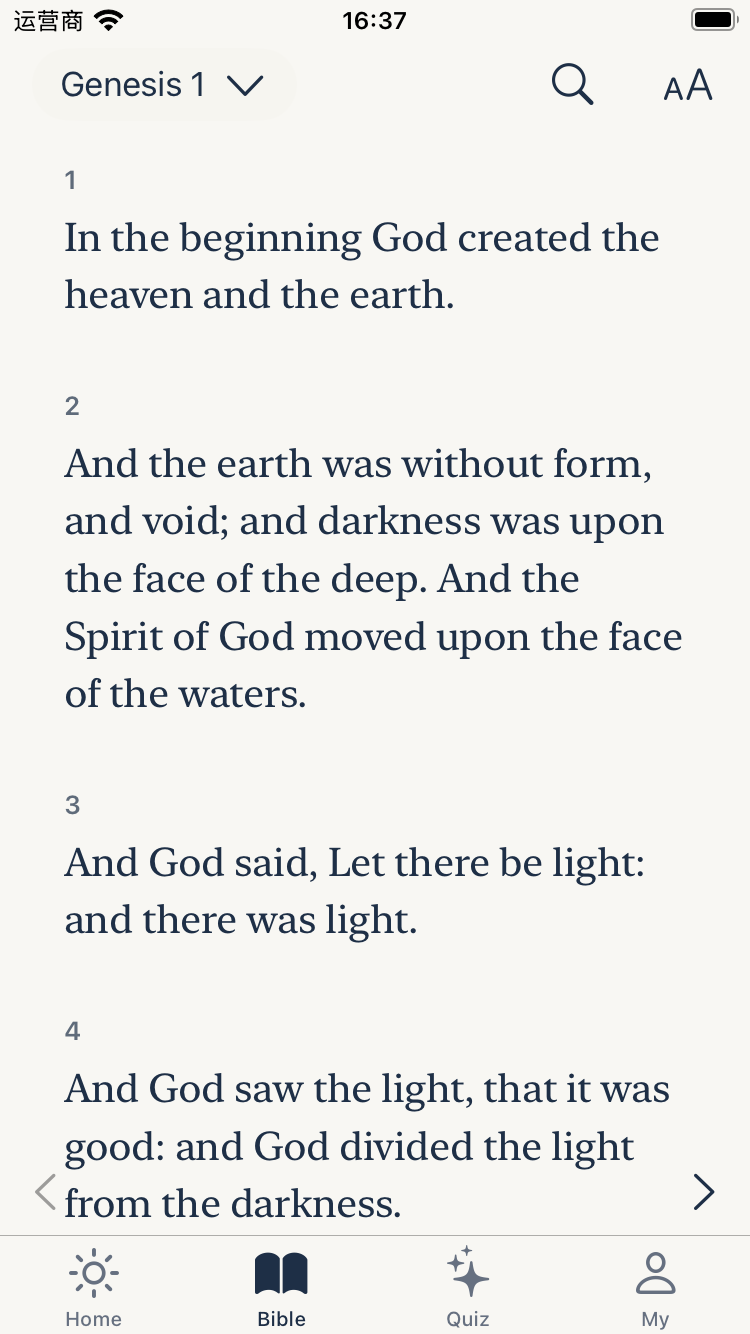
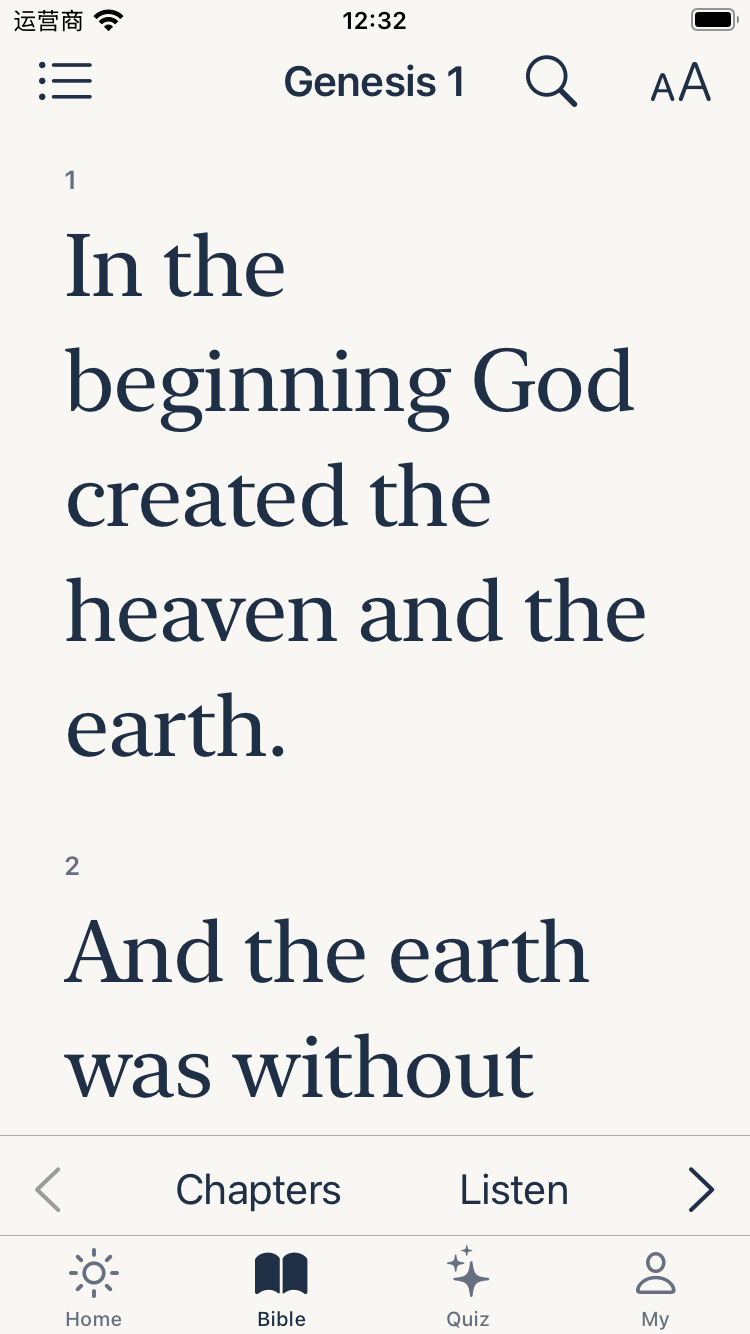
Explore all 66 books with a clear reader, large text, bookmarks, highlights, and personal notes.
Scripture for every day
A quiet daily KJV Bible for building a habit that stays with you.
Read the King James Bible, make space for prayer, listen chapter by chapter, and use a short quiz to remember what you discover.
The App Store link will be activated when the App Store URL is added to APP_STORE_URL in this page.
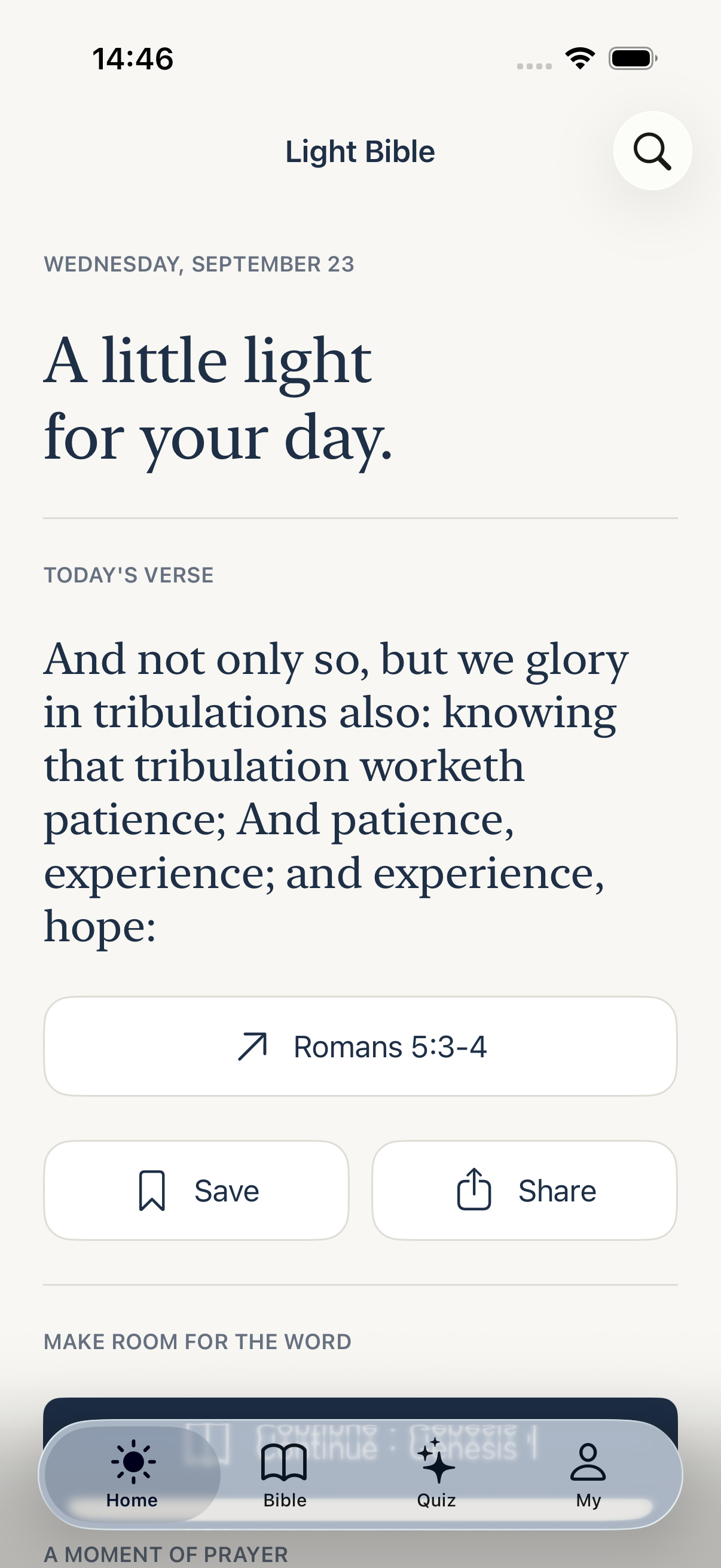 Make Scripture part of every day
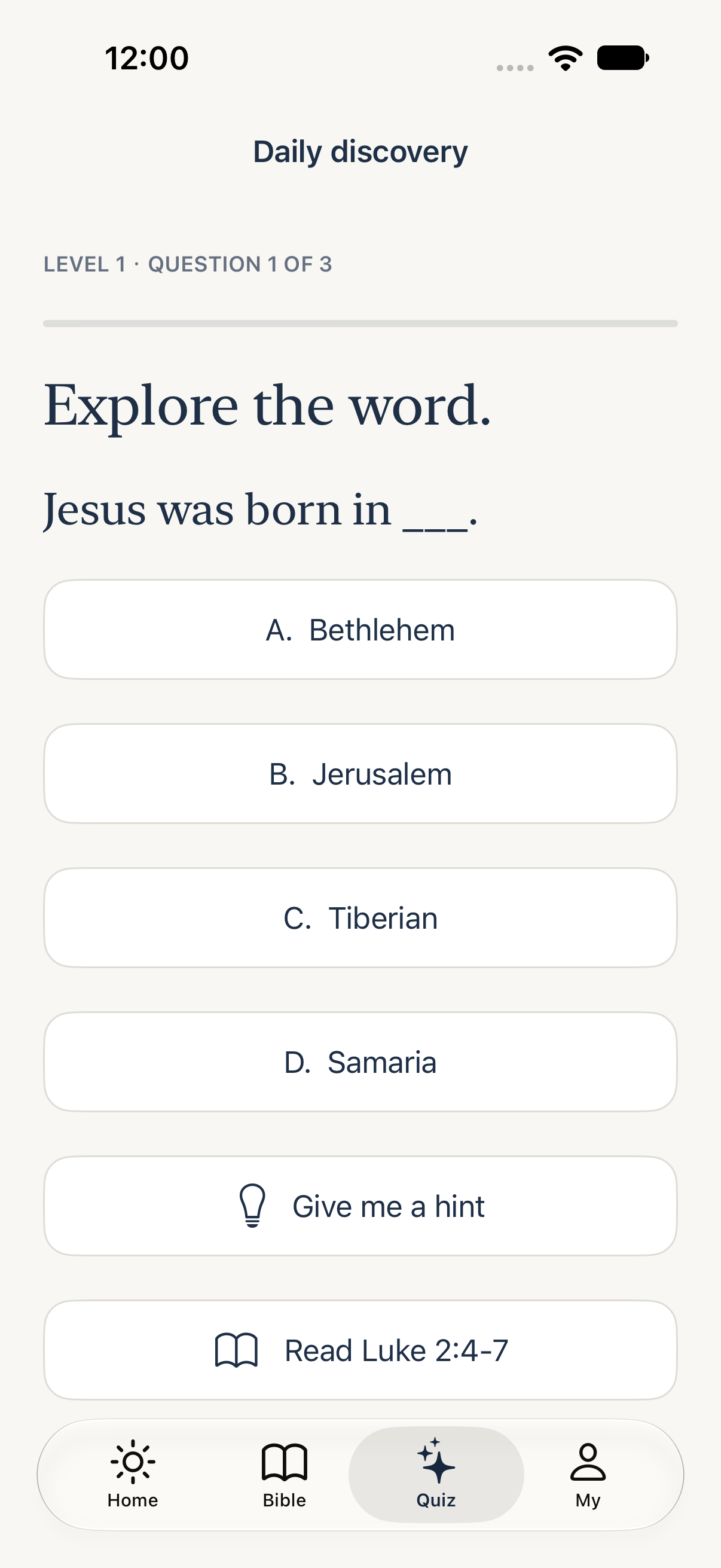 Learn as you read
Each part of Light Bible is designed to help you return to Scripture with less friction and more attention.
Explore all 66 books with a clear reader, large text, bookmarks, highlights, and personal notes.
Begin and end the day with guided moments that keep prayer close to your reading habit.
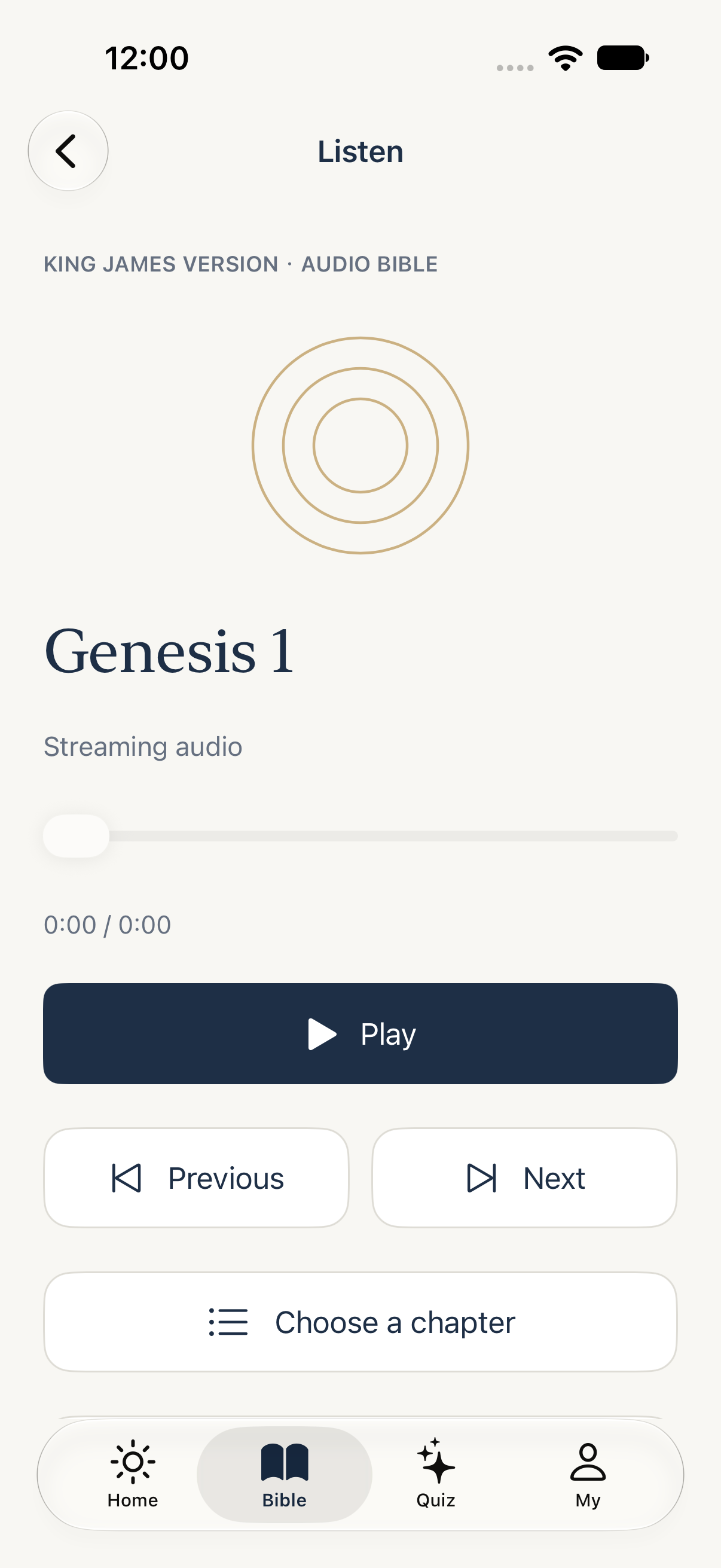
Follow along with chapter audio when your eyes are busy, then pick up where you left off.
Answer a short Bible quiz and turn a few minutes of reading into lasting understanding.
Use these paths to find the part of the app that fits your next quiet moment.
KJV Bible
A focused King James Bible reader with saved verses, highlights, notes, and progress close at hand.
See the reader →Daily prayer
Pair a daily verse with morning or evening prayer, and return to a steady rhythm one day at a time.
Try the 7-day rhythm →Bible quiz
Use a short question to recall the passage, check your answer, and keep Scripture active in your mind.
Preview the quiz →Free monthly practice
Give yourself one week to read, pray, listen, learn, and share a verse that stays with you.
Start the challengeSee how reading, prayer, audio, and quizzes fit together in Light Bible.
Read how Light Bible handles your information or get help with the app.
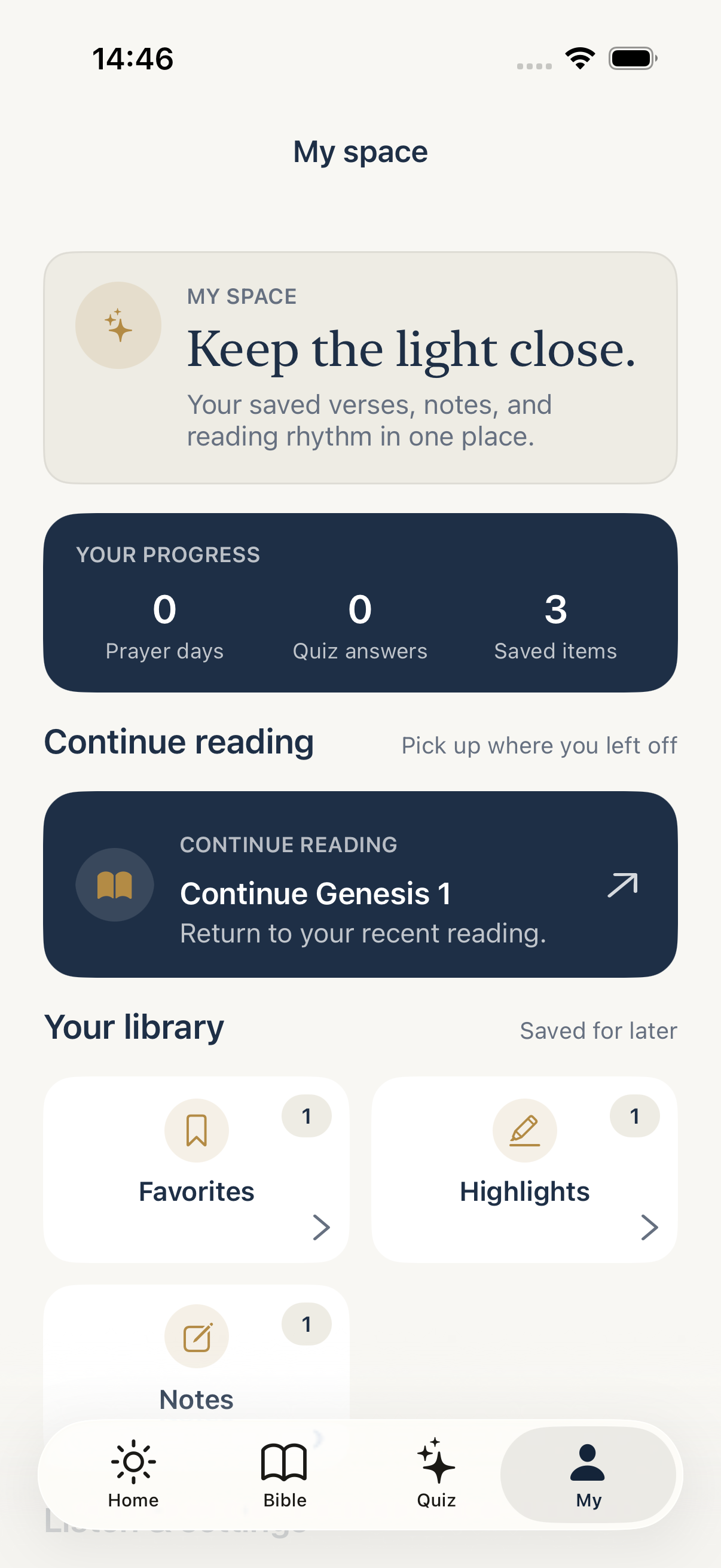
Your saved verses, notes, highlights, reading progress, prayer completion, and quiz progress stay on your device. Light Bible does not send Scripture text, search terms, notes, or prayer content as analytics parameters.
Read the privacy policy →Having trouble with reading, audio, reminders, or restoring your local data? Find quick answers and the steps to send useful feedback.
Visit support →For feedback, corrections, or partnership ideas, use the Feedback option inside Light Bible so the app version can be included with your message.
Send feedback →